Orders only from real tables
The printed QR opens that table. A copied menu link cannot place an order. Ordering ends when the bill is closed, or two hours after the scan.
Scan to order
 SufraHospitality workspace
Preparing workspace
Your Sufra workspace will be ready in a moment.
Put a QR code on every table. Guests open your menu on their own phone, order in English or Georgian, and the order appears on your kitchen screen in seconds. No app, no paper menus, no running back and forth.
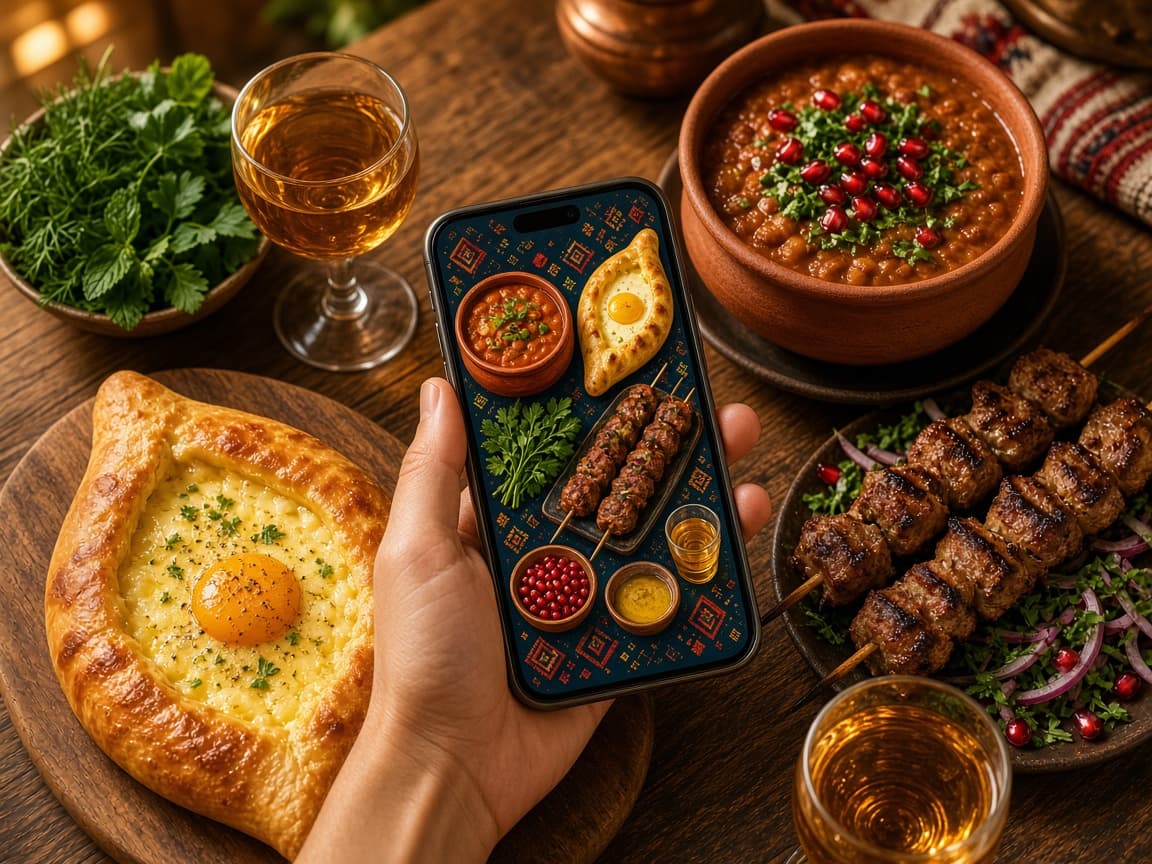
This is what a normal evening looks like with Sufra: guests order, the kitchen cooks, and waiters know exactly where to go.
14:12KitchenTable 2 ordered 2 Adjarian Khachapuri, sent to the kitchen
14:12WaiterTable 4 asked for the card machine
14:12SufraAll 3 staff screens are up to date
Everyone on your team sees exactly what they need, nothing more. Tap a step to see what happens.
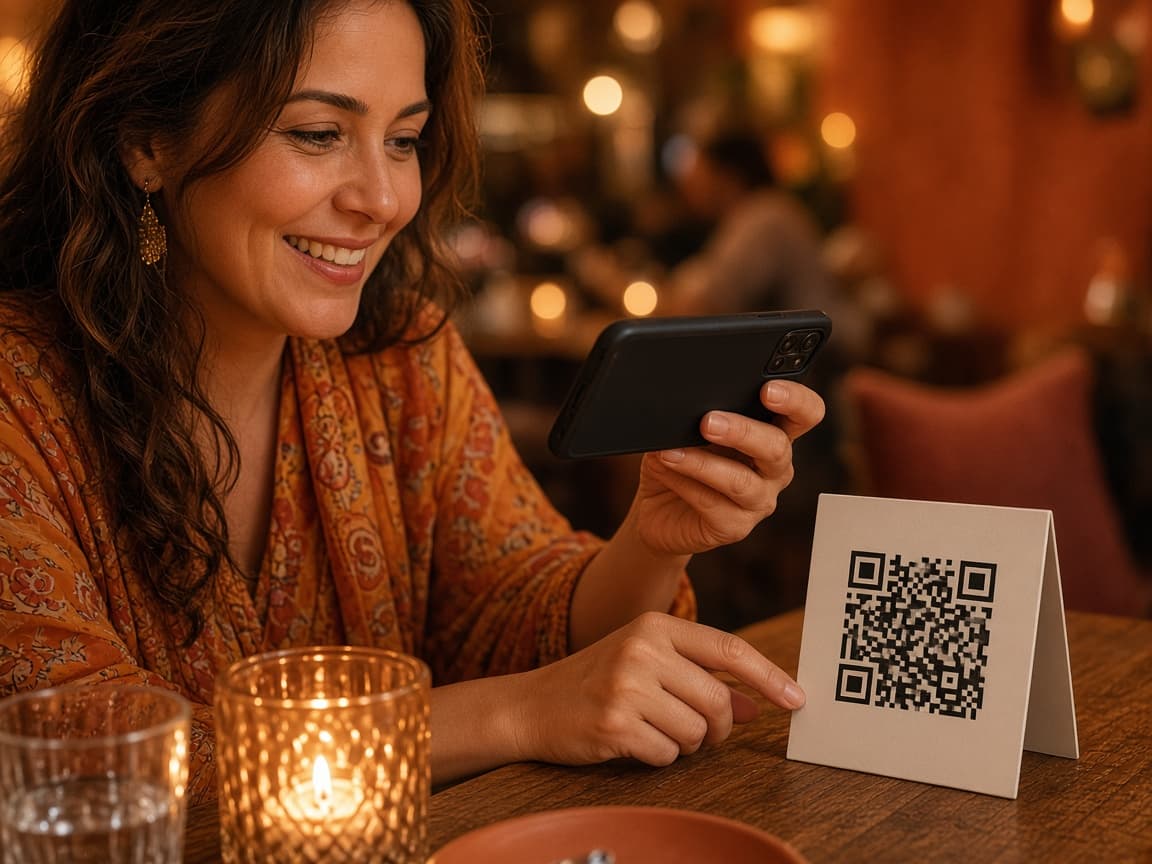
The guest points their phone camera at the code on the table. Your menu opens with photos and prices, in English or Georgian. They pick dishes and tap send.
On the left is what your guest sees. On the right is your kitchen screen. Add a dish, send it, then move it to ready.
The printed QR opens that table. A copied menu link cannot place an order. Ordering ends when the bill is closed, or two hours after the scan.
Guests and staff switch language with one tap. You write your menu once.
Every order shows its table, dishes, and waiting time, from new to cooking to ready.
All of a table's orders and the service charge are combined into one clear bill for your waiter.
Open and close the shift when you want. Late-night sales still count toward the right day.
Your colors, your dishes, your categories. Guests see your brand, not ours.
We add your menu, print-ready table QR codes, and staff accounts, then train your team. Hosting, security, and support are included every month.
₾945
₾415
Everything required to run service
₾415/month starts after your free first month and includes Sufra, isolated venue data hosting, and monitoring. Cancel before the next billing period.
No. Sufra calculates the table bill and coordinates service. Your venue keeps its existing cash or card process.
Venue configuration, menu import, table QR codes, staff access, and onboarding for the owner/floor/kitchen teams.
Your first month is free. After that, ₾415/month covers Sufra, isolated venue data hosting, and monitoring. Cancel before the next billing period.
If Sufra is not right for your venue, cancel within seven days of setup and we will refund the full ₾945 setup fee.
No. Guests use their phones; staff can use existing phones, tablets, laptops, or kitchen displays.
Yes. Every venue is classified as its own tenant on the shared Qaris database. Row-level security keeps restaurants from reading each other's data, and table ordering is restricted to active secure sessions.
Qaris follows the Law of Georgia on Personal Data Protection. Each venue is the controller of guest and staff operational data; Qaris is the processor. Guest QR orders do not create accounts. Access and copy requests are answered within 10 working days. Details: Privacy Policy and Terms of Service.
Call us anytime, or email us using the exact format below. Emails that skip these steps are filtered to spam automatically and will not be read.
How to email us
If your message does not follow every step, it is sent to spam automatically and we will never see it.
By emailing or calling us you are informed that Qaris will process your name, contact details, restaurant information, and message to respond to your inquiry, under Georgian personal data protection law. You may request access, correction, or erasure at contact@qaris.dev. See our Privacy Policy. Privacy Policy